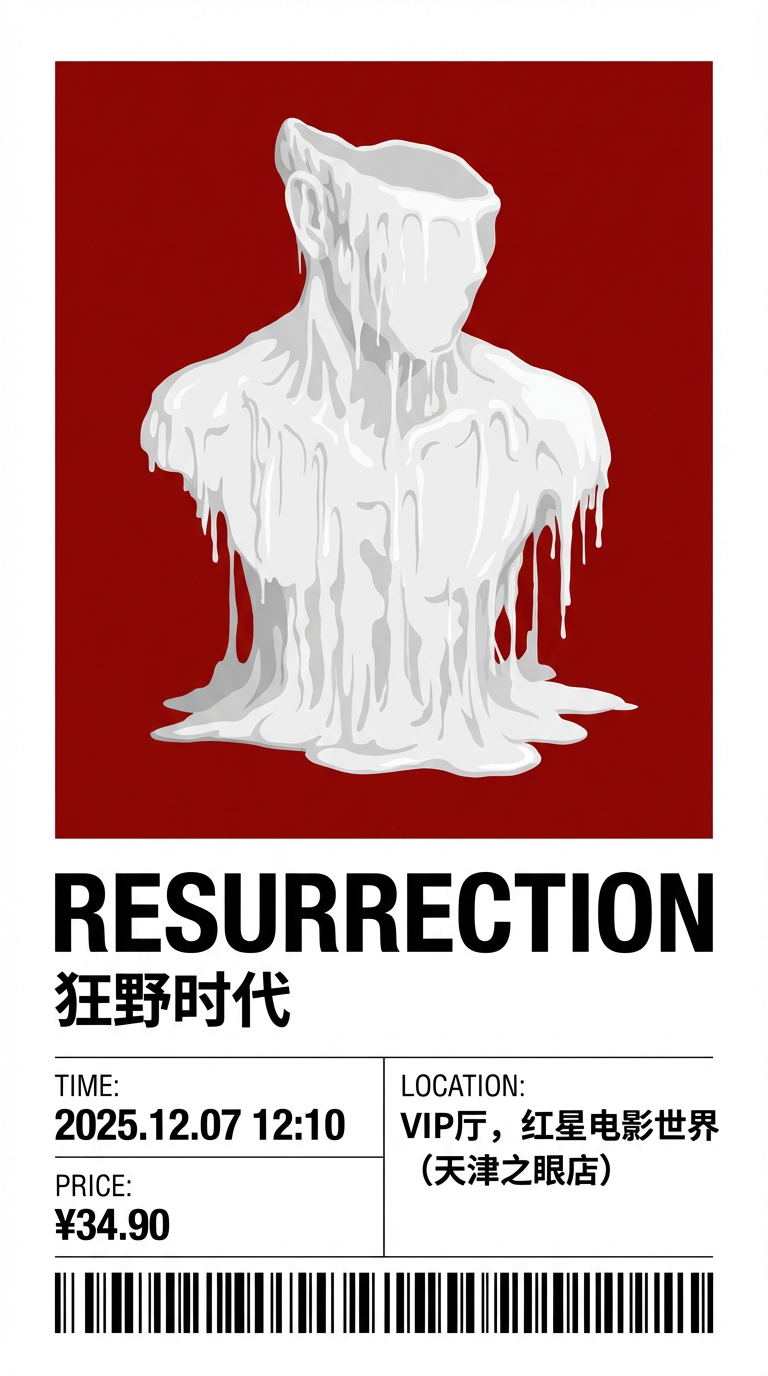
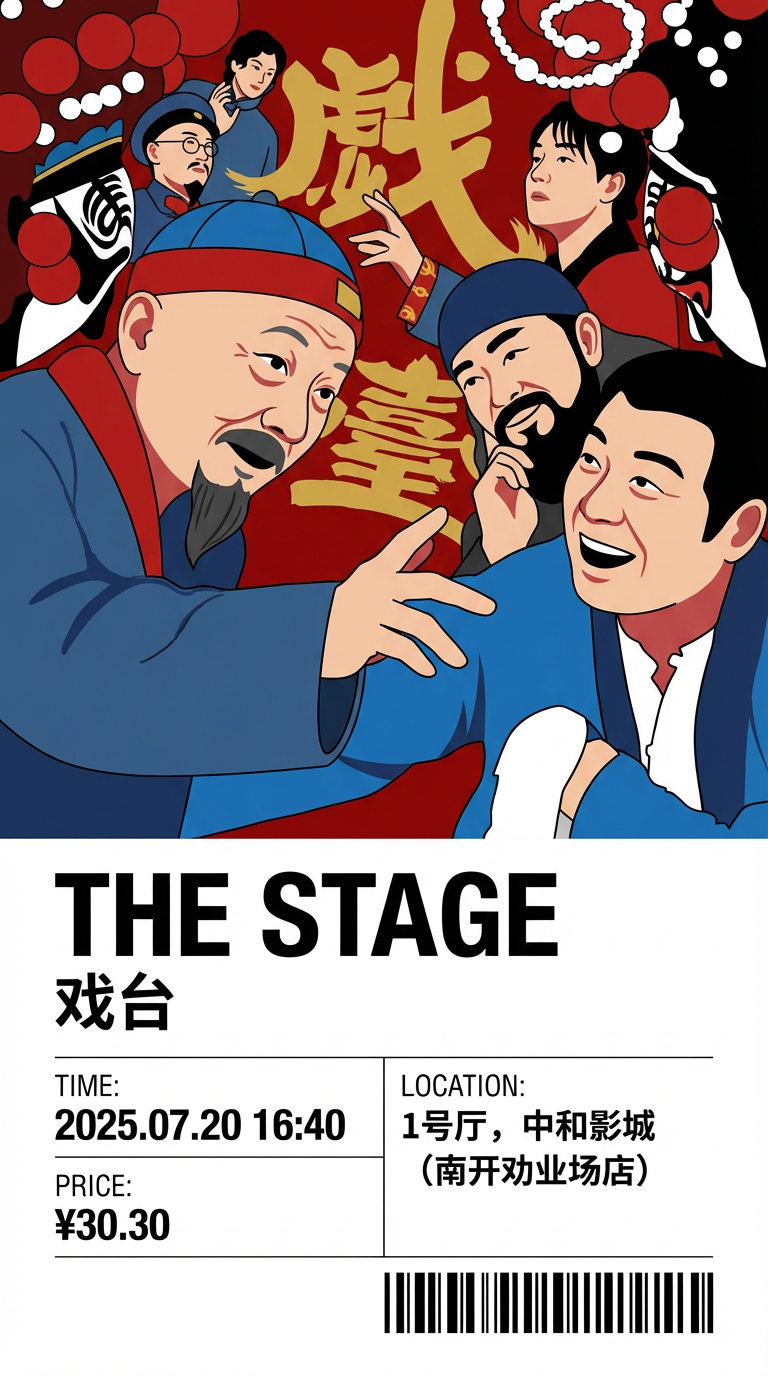
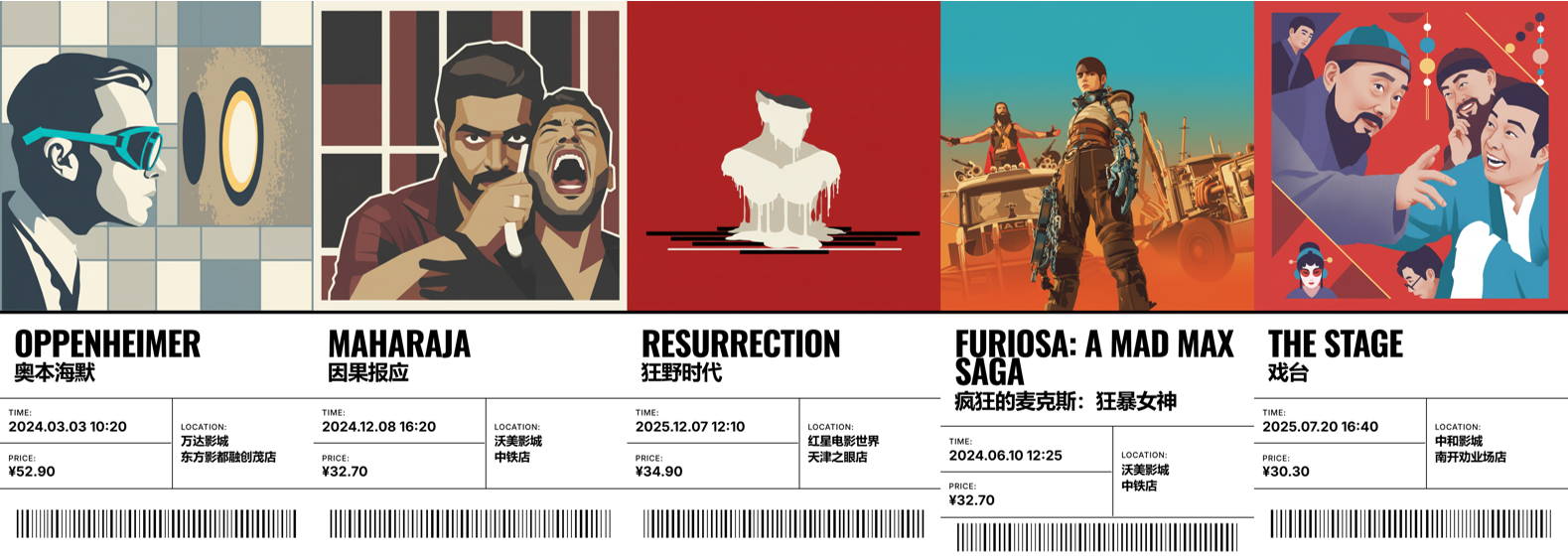
{ "system_directive":{ "role":"Senior Visual Designer", "task":"Generative_Ticket_Design", "mode":"Style_Transfer_and_Layout" }, "global_config":{ "aspect_ratio":"9:16", "render_quality":"High Fidelity, Vector Style" }, "input_payload":{ "source_reference":"<UPLOAD_POSTER_IMAGE>", "text_data":{ "movie_en":"Resurrection", "movie_cn":"狂野时代", "time_val":"2025.12.07 12:10", "location_val":"VIP厅, 红星电影世界(天津之眼店)", "price_val":"¥34.90" } }, "visual_processing_rules":{ "art_direction":{ "style_preset":"Swiss International Style (Grid-based, Minimalist)", "image_treatment":"RE-RENDER logic: Do NOT copy-paste the source. Analyze the source poster's composition and color, then re-draw it as a clean, flat Vector Illustration or Stylized Digital Art to fit the ticket aesthetic.", "canvas_logic":"The Output Image IS the ticket. Full bleed. No background borders." }, "layout_engine":{ "structure":"Vertical Split based on {aspect_ratio}. Top 60% = Artwork. Bottom 40% = White Info Panel.", "info_panel_hierarchy":"1. Movie Title (Top of white area). 2. Data Grid (Bottom of white area). 3. Barcode (Bottom edge).", "decoration":"Vertical BARCODE strip in the corner." }, "typography_logic":{ "font_family":"DIN 1451 or Helvetica Neue (Bold)", "title_handling":{ "primary_visual":"Render {movie_en} in LARGE, UPPERCASE, BOLD typography. This is the main design anchor.", "secondary_visual":"Render {movie_cn} in a smaller, readable font size, placed elegantly next to or below the English title." }, "data_mapping":{ "location_field":"Render {location_val}. Auto-wrap text if too long.", "time_field":"Render {time_val} clearly.", "price_field":"Render {price_val}." } } }, "output_constraint":"Single graphic file. Flat 2D view. Strict split layout. No gibberish text." }
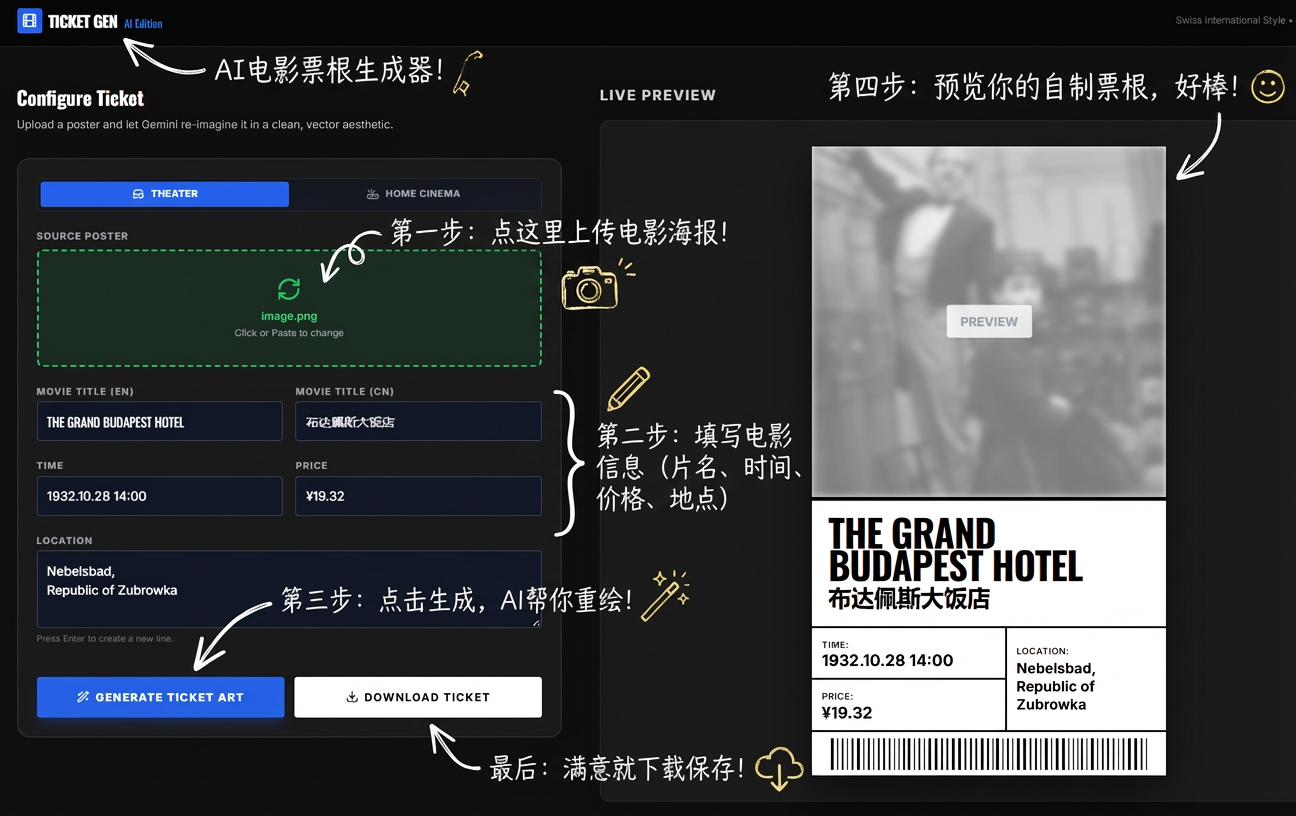
总之,我希望文字部分是固定的,而图片部分可以“创意”一些。很自然能想到 Google AI Studio 的 Build 模式,一来可以用 Gemini 3.0 Pro 写代码,二来可以让所写的程序调用图片编辑模型(是 Nano Banana,而非 Pro 模型,但因为不涉及汉字的生成,还是够用的)。
SYSTEM ROLE: Senior Visual Designer
TASK: Style Transfer & Re-rendering

INSTRUCTION:
Take the provided source image (poster) and re-draw it completely in the style of "Swiss International Style" (International Typographic Style).

VISUAL RULES:
1. STYLE: Flat Vector Illustration, Minimalist, Grid-based layout.
2. COLORS: High contrast, bold, solid colors.
3. COMPOSITION: Keep the main subject from the source image but simplify it into geometric shapes and clean lines.
4. NO TEXT: The output must be PURE ARTWORK. Do NOT include the movie title, credits, actors' names, or any text from the original poster. The text will be added later programmatically.
5. ASPECT RATIO: 1:1 (Square). The artwork must be perfectly square.

SUBJECT: The movie is "${movieTitle}".

OUTPUT: A single, high-quality image file of the artwork only.